Easyref
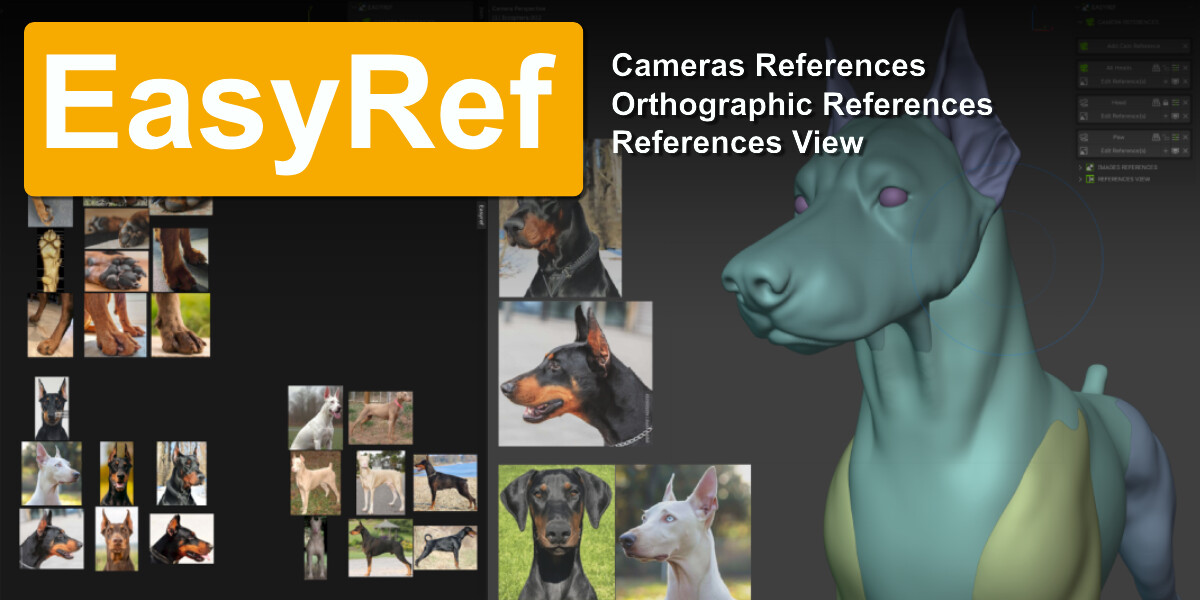


EasyRef: The Ultimate Image Reference Tool for Blender
Enhance your 3D modeling workflow with EasyRef. This powerful Blender add-on lets you effortlessly integrate reference images directly into your 3D viewport. By combining intuitive controls with versatile display options, EasyRef eliminates distractions so you can stay focused on creating.
Key Features
- 4 Powerful Reference Methods: Overlay images directly in the viewport, embed them in specific cameras, assign them to orthographic views, or organize them in the dedicated Reference View.
- Unlimited Integration: Add as many reference images as your project demands across all tools, without arbitrary limits.
- Precision Focus Matching: Quickly adjust your camera focus and lens to perfectly align your 3D object with your reference photos.
- Orthographic Blueprints: Easily incorporate front, side, top, and back orthographic images for highly accurate modeling and scaling.
- Dedicated Reference View: Keep your workspace clean by storing and organizing all your references in a single side panel using Collections.
Why Choose EasyRef?
Designed for 3D artists, concept modelers, and developers, EasyRef upgrades your workflow:
- 100% Embedded Files: All reference images are packed directly into your .blend file. When you share your project, your references travel with it, no missing file errors, ever.
- Enhanced Productivity: Stop constantly tabbing between Blender and external image viewers. Keep your references exactly where you need them.
- Customizable Interface: Use intuitive UI elements to easily manipulate image opacity, position, and camera settings on the fly.
- Total Versatility: Whether you are tackling character anatomy, architectural visualization, or hard-surface product design, EasyRef adapts to your specific needs.
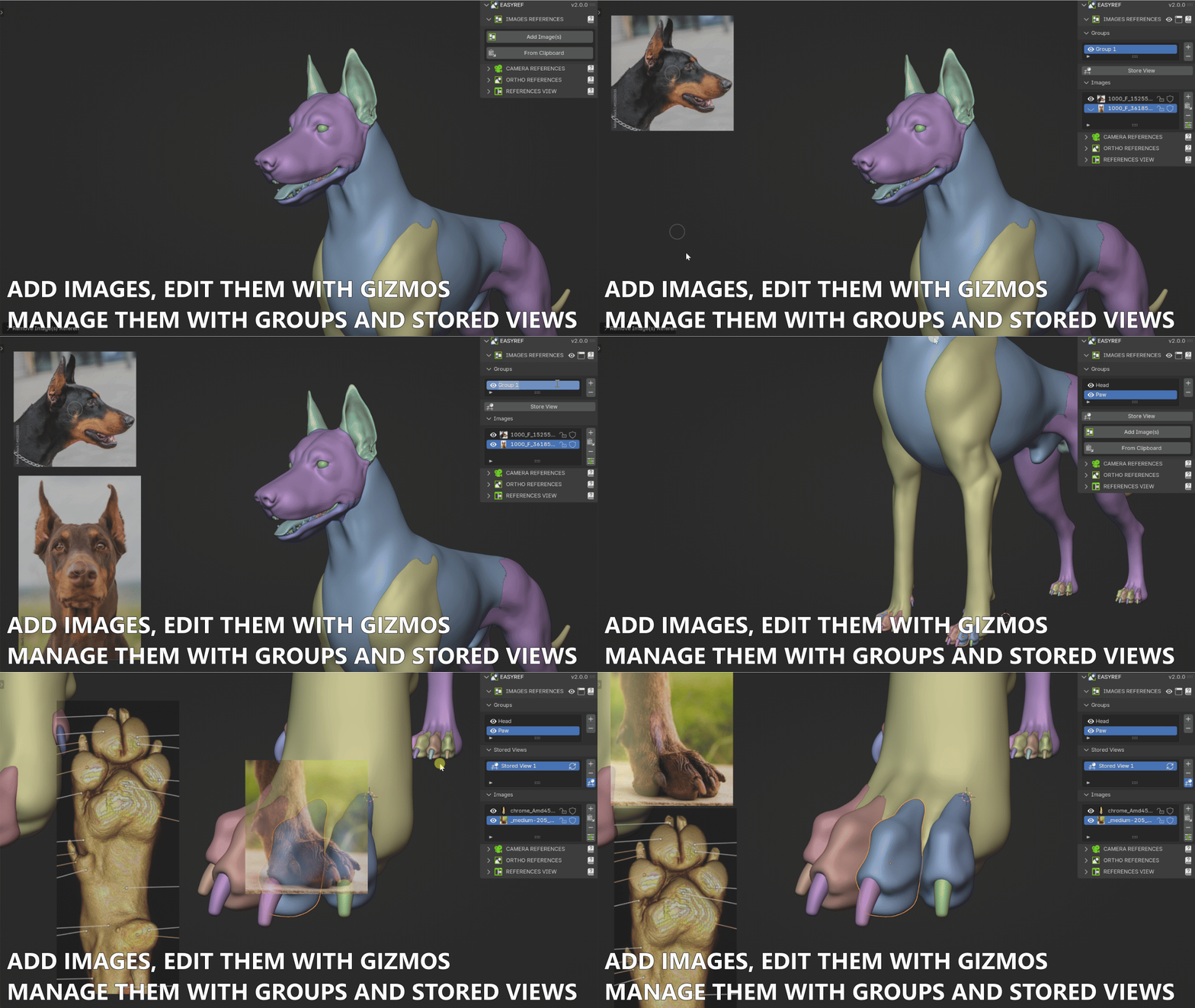
IMAGES REFERENCES
Add images and references in the 3D view and edit them with Gizmo (Scale, opacity, rotation, etc.).
Manage them with Groups and Stored views.
http://www.blscripts.com/easyref/promo/easyref_add_images_references.gif
CAMERA REFERENCES
Add a Camera with References to work in the 3D View and have the References visible.
http://www.blscripts.com/easyref/gifs/easyref_cam_with_references.gif
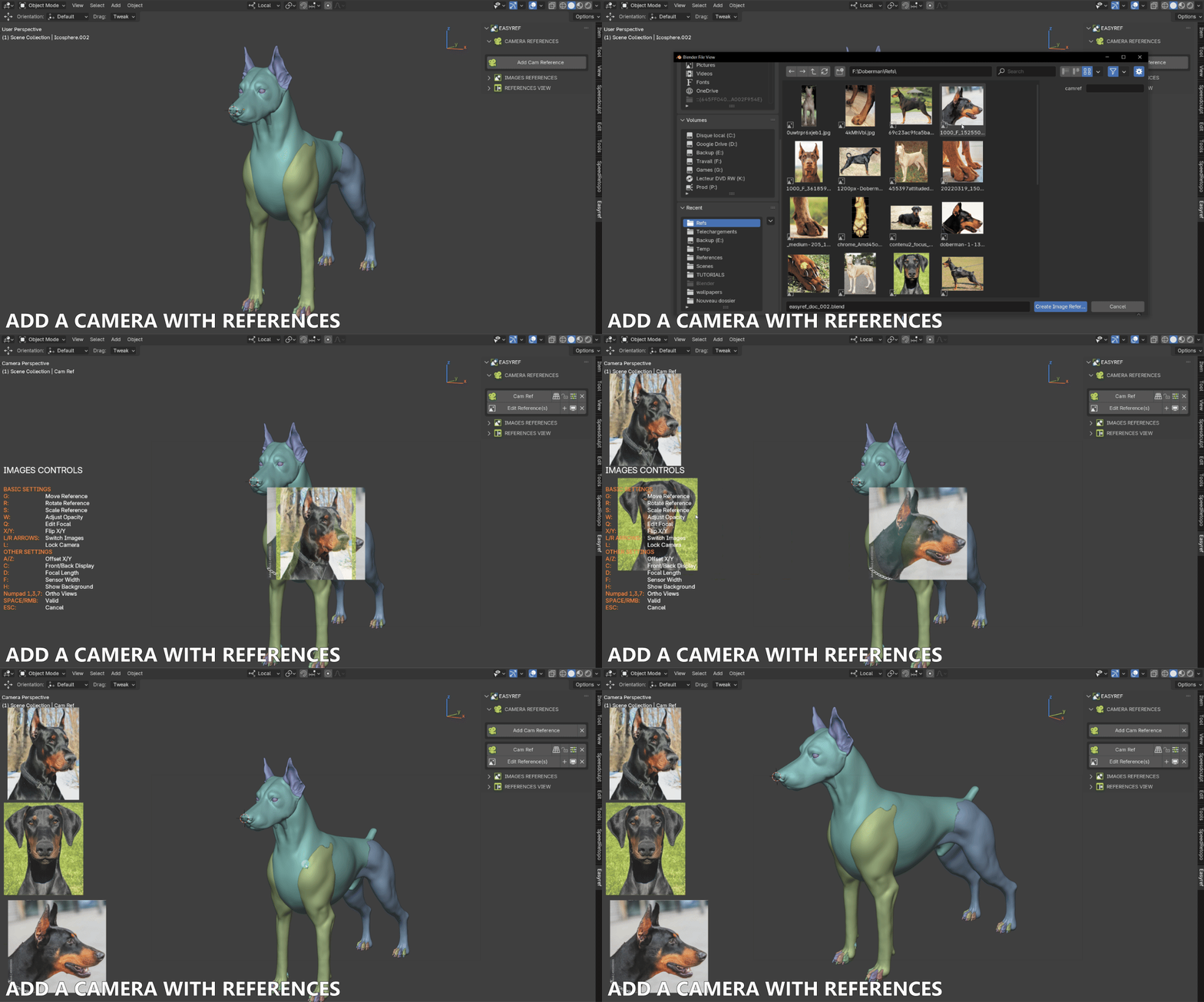
You can add a camera for each part of your object with specific references to fit that part.
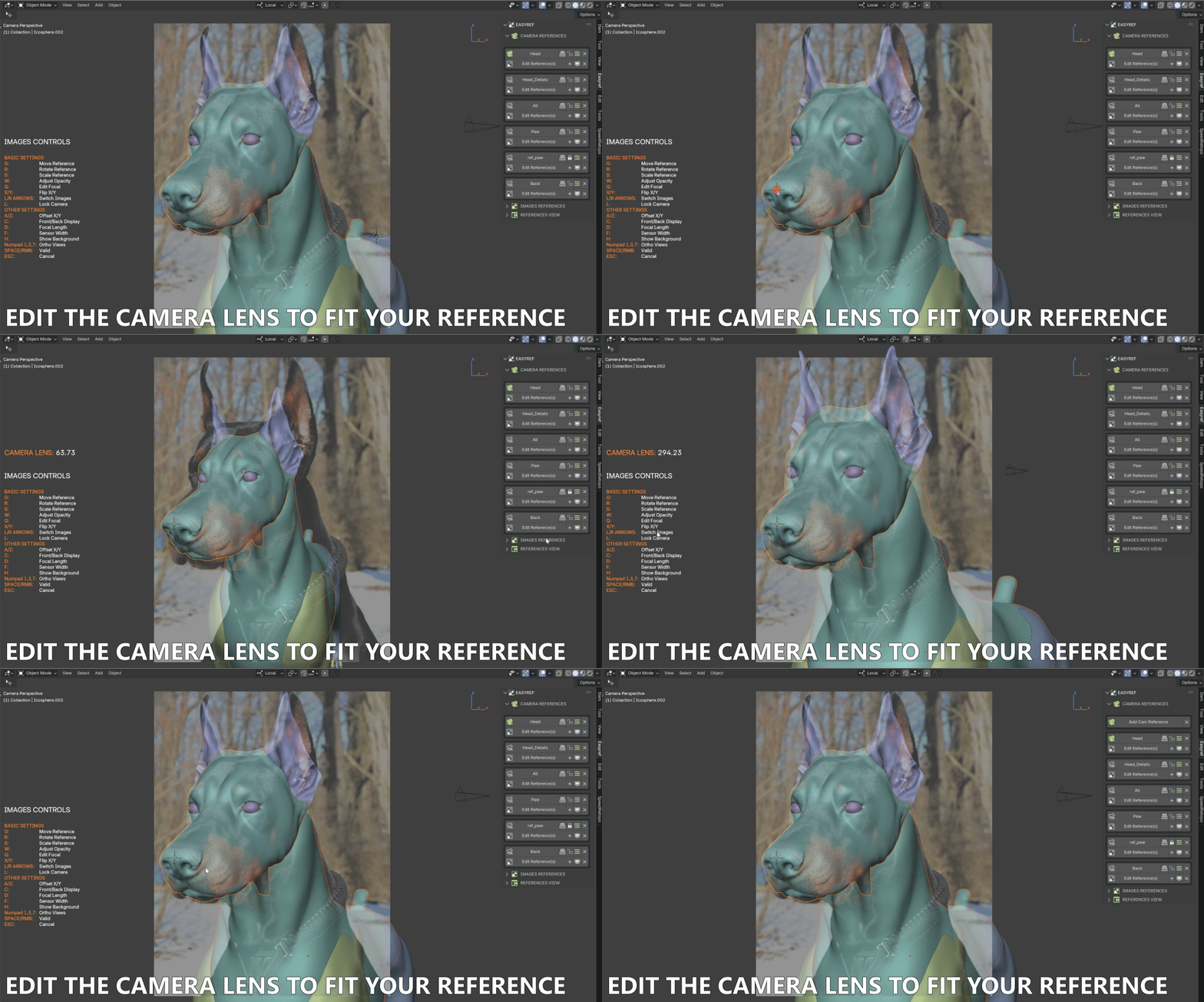
You can change the Camera Lens to fit your Reference.
http://www.blscripts.com/easyref/gifs/easyref_camera_lens.gif
ORTHOGRAPHIC REFERENCES
Add images as References for the Orthographic views
http://www.blscripts.com/easyref/gifs/easyref_images_references.gif

You can add several References simultaneously if their names contain (Front, Back, Top, Bottom, left, or Right).
http://www.blscripts.com/easyref/gifs/easyref_set_refs_from_names.gif

REFERENCE VIEW
Add References to the References View; you can add Collections of References too.
http://www.blscripts.com/easyref/gifs/easyref_references_view.gif

In the Add-on Preferences, you can choose the position and size of the References View.
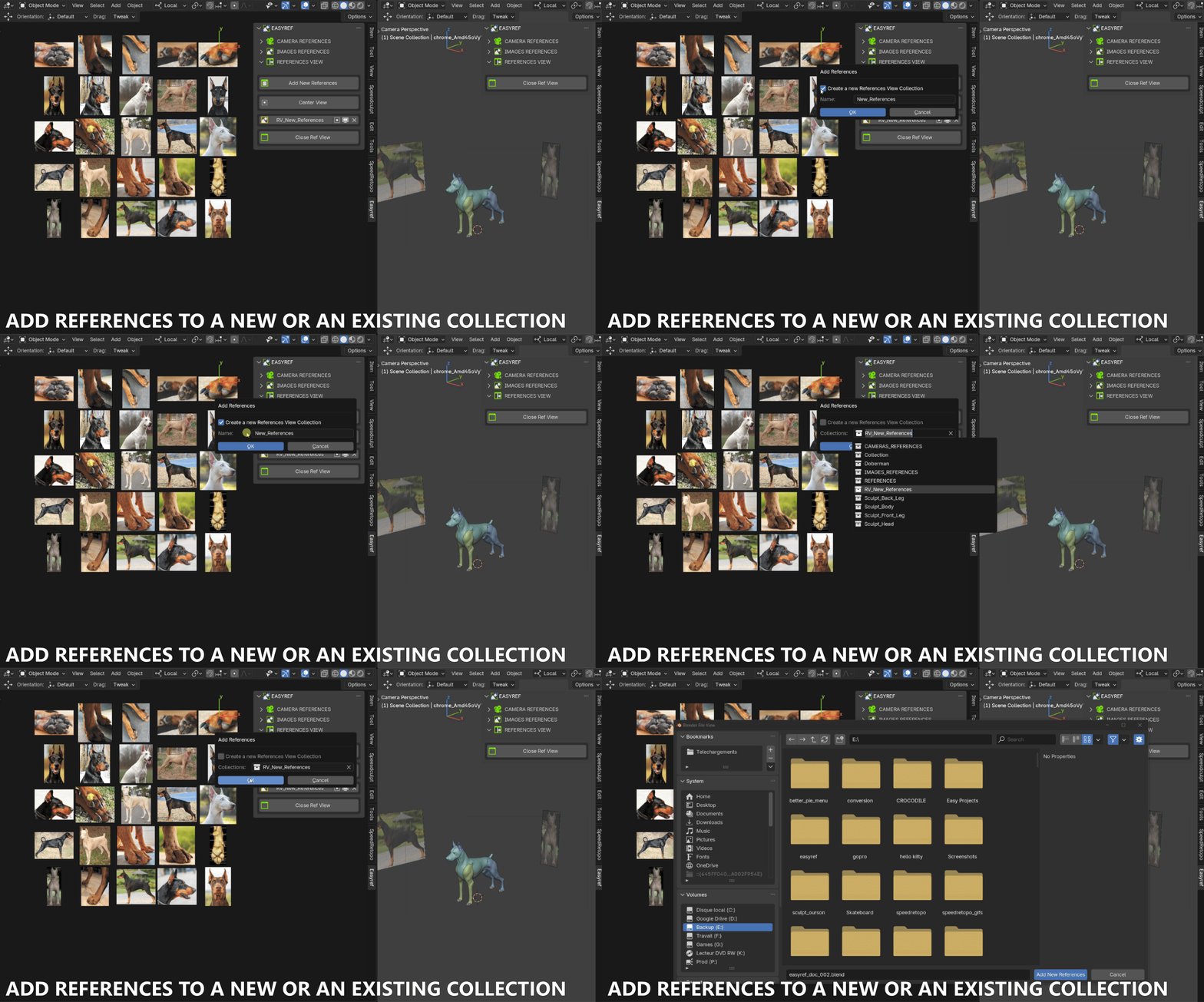
In the References View, you can add References to the Current collection or create a new one.
http://www.blscripts.com/easyref/gifs/easyref_references_view_add_new_references.gif
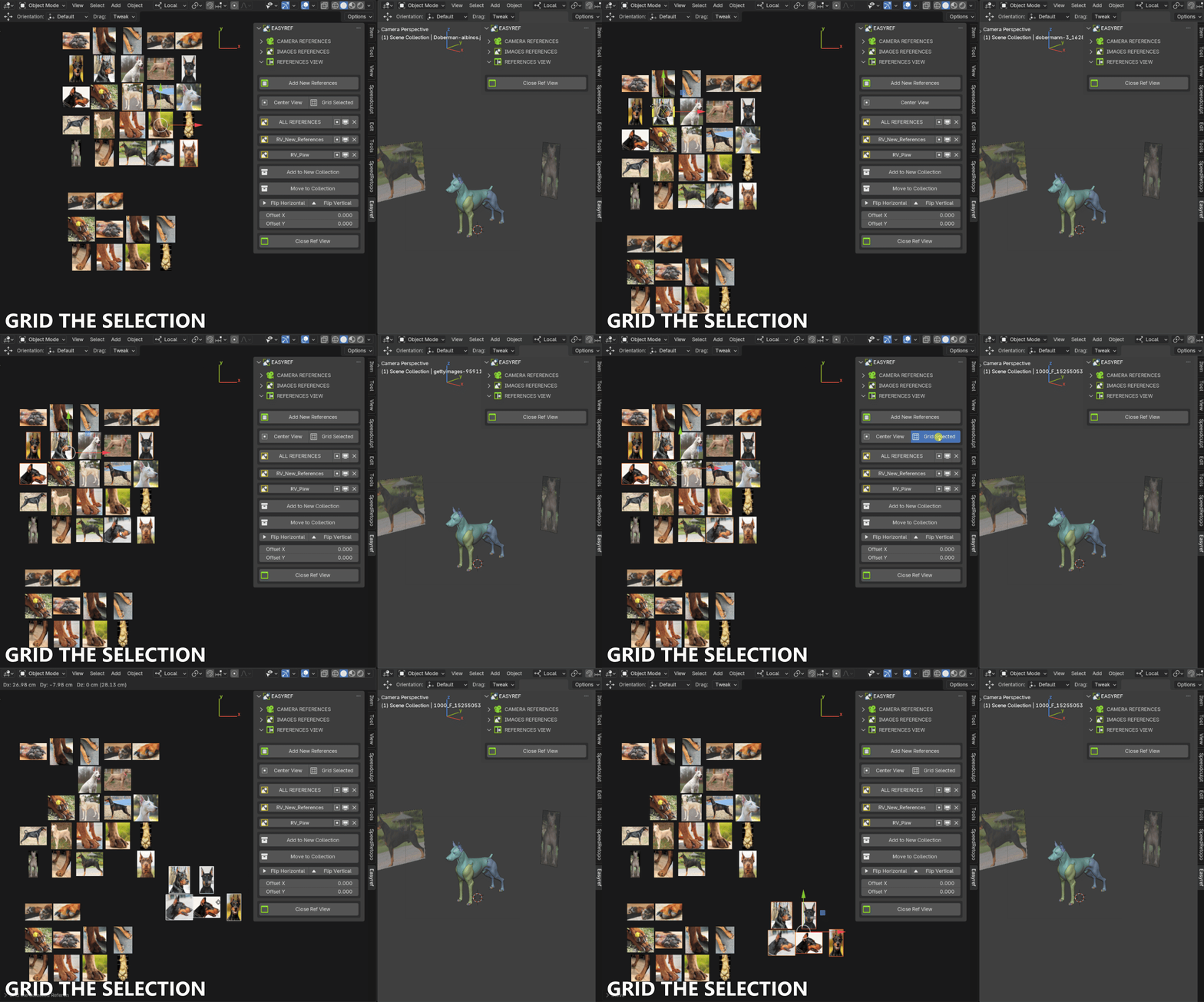
You can also Grid the Selected References.
http://www.blscripts.com/easyref/gifs/easyref_references_view_grid_selection.gif
Set Some References from the Reference view to the images References.
http://www.blscripts.com/easyref/gifs/easyref_set_images_refs_from_ref_view.gif

Set Camera References from the References View
http://www.blscripts.com/easyref/gifs/easyref_set_cameras_refs_from_ref_view.gif

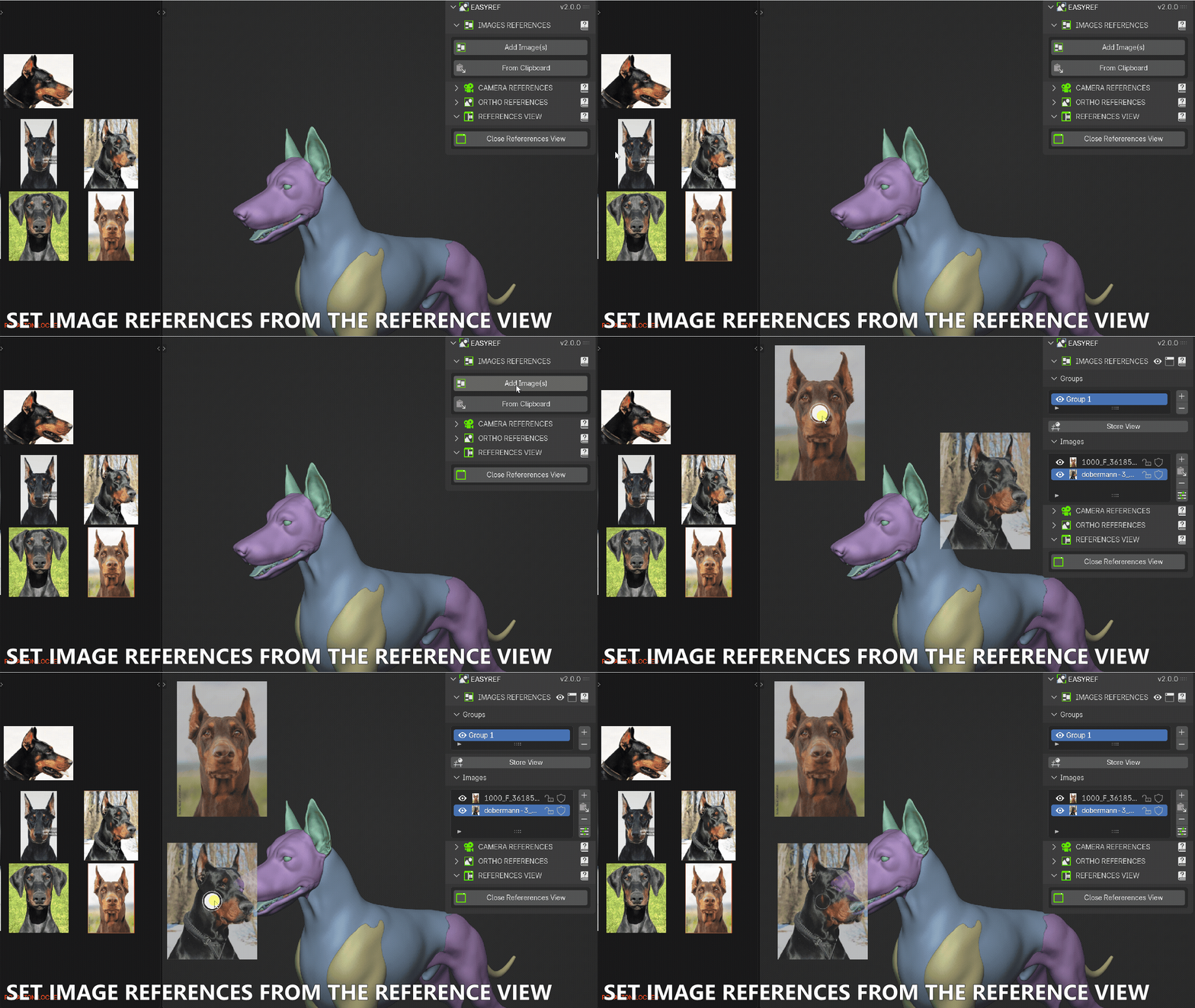
Set Images References from the Reference View
http://www.blscripts.com/easyref/promo/easyref_image_ref_from_ref_view.gif
Get Started Today
Revolutionize your Blender workflow with EasyRef. Available for personal and commercial use.
Discord server for customer support
REFUND POLICY
Since we offer non-tangible, irrevocable goods we do not provide refunds after the product is purchased, which you acknowledge before purchasing any product on the Website. Please make sure that you have carefully read the product description before making a purchase.
Seamlessly Integrate References Images into Your Blender Workflow